Helping design and engineering professionals discover, evaluate and specify technologies and processes that shorten the design cycle and enable success.


Sponsored
 Dear Desktop Engineering Reader:
Spend a day working with PBR, and your designs will flow like never before. (Not that PBR, hipsters.) We’re talking interactive, predictive, physically based rendering. PBR is what today's Check It Out covers, and PBR will soon change your design workflow as much as things like integrated analysis did before. In fact, it's already doing so.
Quite simply, “Making the Case for Predictive Rendering” from DE in partnership with NVIDIA is about stuff that inspires techno-lust. You'll want it. Here's the upshot: PBR means rendering as an interactive design mode.
Yep. In an application’s interactive viewport you can now see how your design will look – really look – as you design it. And “really looks” means physics-based lighting, verified realistic materials and accurate photorealistic results. “Interactive” means it’s on-demand fast.Now, PBR is not going to make the artistically challenged a rendering Rembrandt any more than integrated fluid analysis made you Bernoulli. The pros will still be needed.
But PBR does mean that you can iteratively evaluate how materials and lighting appear while you make design geometry changes rather than at the end of the process. It means less guessing what the as-built product will look like in the real world. And you can forget about waiting around for a rendering to disrupt your workflow.
Early realistic visualization can also change your design reviews, compress design cycles and really impress the clients and bosses. For example, in a meeting, you can spot a design flaw, make changes on the fly and see a realistic digital prototype right away without waiting for a new rendering or paying for a physical model or a 3D prototype.
You don't have to be a master rendering software user either. Simple renders can be set up in a few clicks. Currently, applications like Chaos Group’s V-Ray RT or NVIDIA’s Iray running on a typical engineering workstation equipped with PBR-enabled NVIDIA Quadro graphics accelerators will integrate rendering into design workflows.
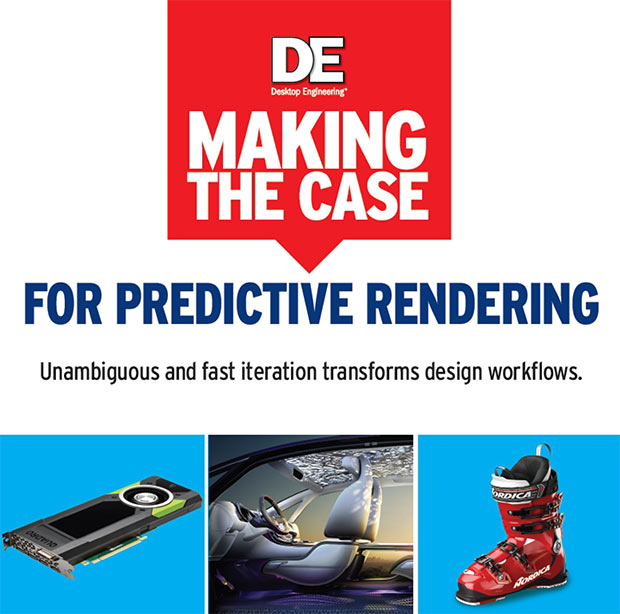 “Making the Case for Predictive Rendering” from DE in partnership with NVIDIA investigates PBR – interactive, predictive, physically based rendering – and explains how this emerging technology will soon change design engineering workflows in big ways.
So, how does PBR work? That's what “Making the Case for Predictive Rendering” shows you. It gets into how PBR operates in great, but easily digestible, detail. Brief case studies from Harley-Davidson and Renault demonstrate that PBR is already in the design engineer's brew and returning benefits. This is heady stuff. Hit today's Check it Out link and read all about it.
Thanks, Pal. – Lockwood
Anthony J. Lockwood
Editor at Large, Desktop Engineering


Anthony J. Lockwood is Digital Engineering's founding editor. He is now retired. Contact him via [email protected].
Follow DE
Join over 90,000 engineering professionals who get fresh engineering news as soon as it is published.






About Us · Contact Us · Editorial Team · Advertising · Privacy Policy · Subscriber Services · © 2026 Digital Engineering 24/7 · Peerless Media