Helping design and engineering professionals discover, evaluate and specify technologies and processes that shorten the design cycle and enable success.



Design & Simulation Software Guide 2025
In this Special Issue, Digital Engineering presents its second annual guide to design and simulation software vendors.

Design & Simulation Software Guide
In this Special Issue, Digital Engineering presents its inaugural guide to design and simulation software vendors, including listings for CAD, CAM, simulation, generative design, PLM, rendering and visualization, design for additive manufacturing,…
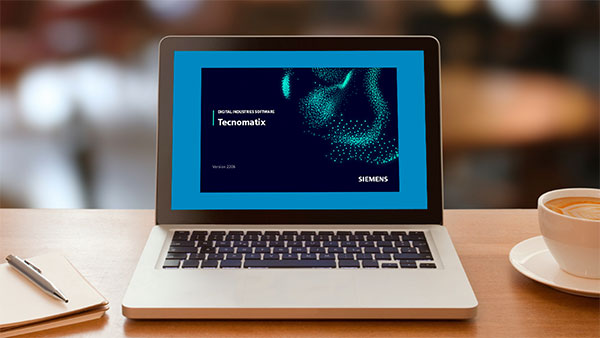
Digital manufacturing software in the SIemens Tecnomatix portfolio enables synchronization between product engineering, manufacturing engineering, production, and service operations.
Tecnomatix 2206 delivers advancements from Teamcenter connectivity and user interface updates, robotics, offline programming and virtual commissioning to human simulation and virtual reality. Tecnomatix software helps companies enhance production operations, according to SIemens.
The new version numbering for Tecnomatix, starting with this version and for future releases, identifies the year in the first two digits, followed by the month in the second two digits for the current software delivery.
The following new capabilities are available in Tecnomatix 2206.
When loading a disconnected study with Process Simulate on Teamcenter (connected) it now is possible to use the Reload Product command for pulling product changes (parts and manufacturing features) that were previously not present in the specified operations or processes from Teamcenter into the disconnected study.
The command only considers product changes already in the scope of the disconnected study. It is also possible to use this command for loading parts and MFGs that are newly assigned in Manufacturing Process Planner (MPP) to selected processes and operations in the scope of the study.
This enhancement provides an efficient way to consume the product changes from MPP into the disconnected study, according to Siemens.
In Process Simulate on Teamcenter, connected and disconnected, you can convert and insert CAD files of resources into the loaded scene. It is supported for various CAD formats, e.g., CATIA, NX, DirectModel (JT), STEP and more.
The CAD files can be imported either as a single resource object, a compound equipment object, or as a work area hierarchy with resources below. When the source CAD file is an assembly, additional monolithic creation options are available such that it is possible to insert the imported assembly as a single monolithic resource or to create a monolithic resource for each sub-assembly. The imported resources are added below the selected parent resource and the added resources are always unique.
The Continuous Process Generator was enhanced to support additional use cases. A new option was added to create an adhesive process by simply clicking multiple locations on the surface.
These are some highlights of the advancements delivered with the latest Tecnomatix release. For complete details on the new features of Tecnomatix 2206 and its supporting releases, refer to the release notes and new features presentations offered with the software download.
Sources: Press materials received from the company and additional information gleaned from the company’s website.


Simcenter™ software, from Siemens Digital Industries Software, uniquely combines system simulation, 3D CAE and test to help you predict performance across all critical attributes earlier and throughout the entire product lifecycle. By combining…
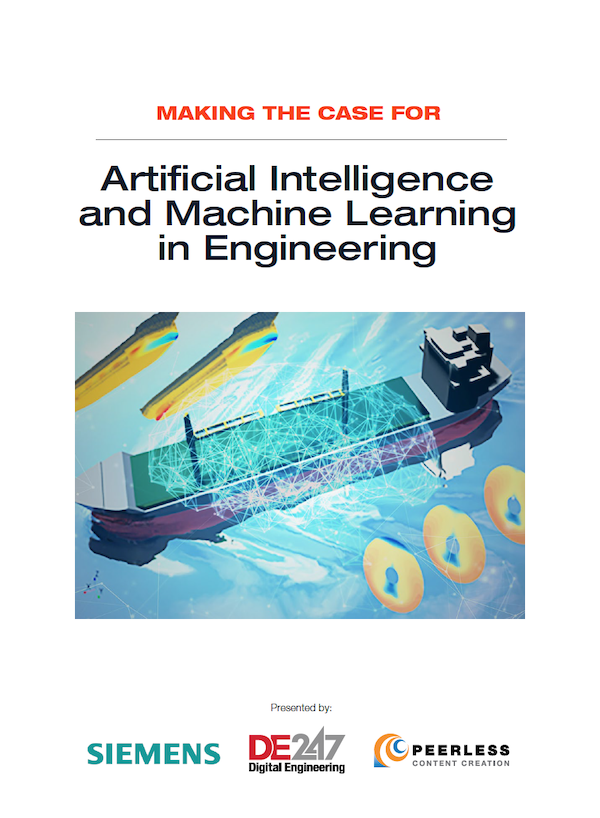
Making the Case for Artificial Intelligence and Machine Learning in Engineering
In this paper, Siemens Digital Industries Software and Digital Engineering will provide an overview of how AI/ML-enabled software can improve design workflows, while also addressing common questions and concerns around implementing this technology in an engineering organization.

DE's editors contribute news and new product announcements to Digital Engineering. Press releases may be sent to them via [email protected].
Follow DE
Join over 90,000 engineering professionals who get fresh engineering news as soon as it is published.






About Us · Contact Us · Editorial Team · Advertising · Privacy Policy · Subscriber Services · © 2026 Digital Engineering 24/7 · Peerless Media