Helping design and engineering professionals discover, evaluate and specify technologies and processes that shorten the design cycle and enable success.


Alert!
Digital Engineering ceased publication on July 1, 2026. This website remains available as an archive of engineering content.
For inquiries or information, please email [email protected].

May 2026 Special Focus: Artificial Intelligence in Design and Simulation
In this Special Focus Issue, learn about the latest developments in the integration of artificial intelligence into engineering workflows.

April 2026 Special Focus Issue: Generative Design
In this Special Focus Issue, Digital Engineering takes a look at how generative design solutions can be used across different types of design problems and with a variety of manufacturing approaches to accelerate design space exploration, and…
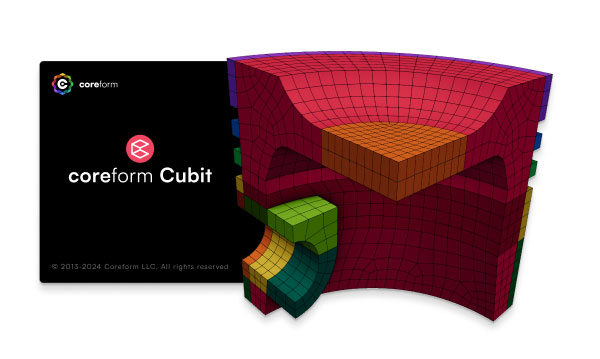
Coreform has released Coreform Cubit 2025.8, the latest version of its hex meshing software. This update contains improvements to the geometry kernel and meshing engine, a redesigned user interface with scalable vector graphics (SVG) icons, and enhanced usability, the company reports.
Coreform Cubit has a fresh look. When users download the latest version 2025.8, it may be noted that icons have been updated and replaced with more intuitive versions. Placement and function of the icons have not changed.
Coreform Cubit’s user interface framework has been upgraded to Qt6, providing support for desktops. The primary triangle and tetrahedral mesher in Coreform Cubit has been updated to MeshGems 2.15.
The geometry healing operation has been improved; this change may impact workflows. Read more here.
Full release notes are available here.
Sources: Press materials received from the company and additional information gleaned from the company’s website.


DE's editors contribute news and new product announcements to Digital Engineering. Press releases may be sent to them via [email protected].
Follow DE






About Us · Contact Us · Editorial Team · Advertising · Privacy Policy · Subscriber Services · © 2026 Digital Engineering 24/7 · Peerless Media