Helping design and engineering professionals discover, evaluate and specify technologies and processes that shorten the design cycle and enable success.


Alert!
Digital Engineering ceased publication on July 1, 2026. This website remains available as an archive of engineering content.
For inquiries or information, please email [email protected].

May 2026 Special Focus: Artificial Intelligence in Design and Simulation
In this Special Focus Issue, learn about the latest developments in the integration of artificial intelligence into engineering workflows.

April 2026 Special Focus Issue: Generative Design
In this Special Focus Issue, Digital Engineering takes a look at how generative design solutions can be used across different types of design problems and with a variety of manufacturing approaches to accelerate design space exploration, and…
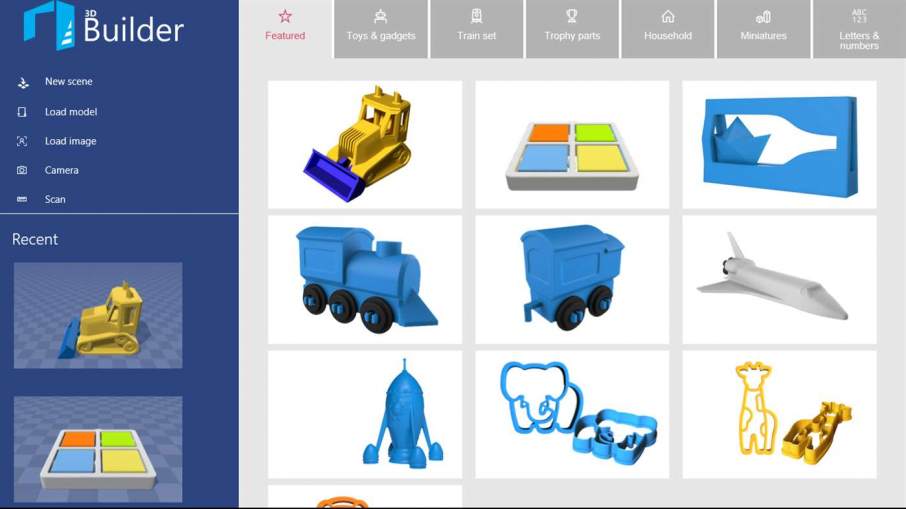
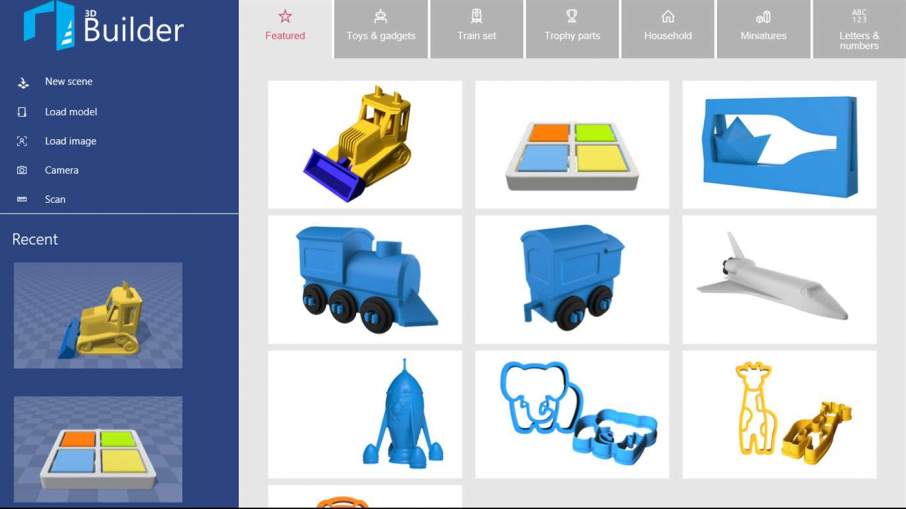
That particular barrier is coming down as less complicated programs intended for entry-level 3D design continue to roll out from developers. Microsoft first introduced 3D Builder for Windows 8.1, and updated it for Windows 10. Now, the app has been made available for Windows phones as well.
Who cares? I know, the idea of using a phone for design work makes many people roll their eyes. I feel much the same way when people talk about using a phone for writing. While the 3D Builder app may not make the grade for aerospace design, it has enough to offer to at least give new users, and potential future designers, an introduction into the basic principles of 3D design.
The 3D Builder app can open all commonly used AM formats, including 3MF, STL, OBJ, PLY, and WRL (VRML) files, and can save works as 3MF, STL, PLY, or OBJ files. The same simple build features found in the desktop version are also found in the phone app, such as drag-and-drop building, text overlays and basic object manipulation. The app cleans up designs for printing by smoothing and simplifying, and repairs errors.
Along with the standard features, the app uses access to the phone’s camera to produce 3D scans in full color, and can extract 3D designs from 2D images captured by the phone. Those features alone might make the app attractive to a fair number of users, and possibly create a boom in 3D printed bobblehead orders from service bureaus. Those users with their own AM systems can, of course, print their own bobbleheads directly from the phone.
The app is free and can be downloaded from the Windows store. Below you’ll find a video of 3D Builder in action.
Source: Microsoft


John Newman is a Digital Engineering contributor who focuses on 3D printing. Contact him via [email protected] and read his posts on Rapid Ready Technology.
Follow DE
Join over 90,000 engineering professionals who get fresh engineering news as soon as it is published.






About Us · Contact Us · Editorial Team · Advertising · Privacy Policy · Subscriber Services · © 2026 Digital Engineering 24/7 · Peerless Media