Helping design and engineering professionals discover, evaluate and specify technologies and processes that shorten the design cycle and enable success.



May 2026 Special Focus: Artificial Intelligence in Design and Simulation
In this Special Focus Issue, learn about the latest developments in the integration of artificial intelligence into engineering workflows.

April 2026 Special Focus Issue: Generative Design
In this Special Focus Issue, Digital Engineering takes a look at how generative design solutions can be used across different types of design problems and with a variety of manufacturing approaches to accelerate design space exploration, and…
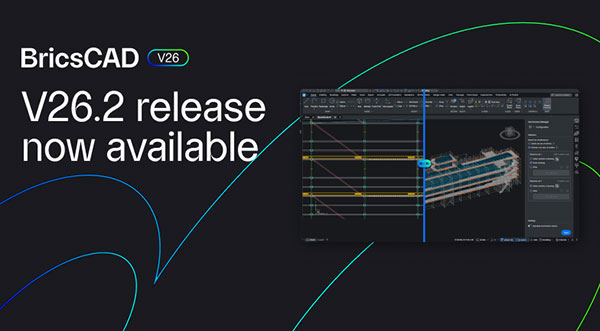
Octave BricsCAD V26.2, the first update to the product under Octave, has been released with 30 new and enhanced features. This release focuses on improving CAD workflows, speeding up the time to switch between tools, work with data, move through repetitive steps, and reuse existing content, according to Octave.
Many improvements in V26.2 focus on core CAD functionality and are available across BricsCAD Pro and BricsCAD Ultimate, which also includes BIM, Mechanical, and Survey workflows.
At the center is BricsCAD Assist, a new AI-driven panel built directly into the interface. It helps users find documentation, how-to guidance, and answers without leaving their drawing, helping reduce context switching.
With Dynamic Blocks, currently only available outside the United States, users can now create constraint parameters for Dynamic Blocks and manage Dynamic Block properties through Tool Palettes.
Convert and edit SHX text from PDF imports, which allows imported text to become editable automatically. Notification to improve Drawing Health runs in the background.
QDIM Advanced mode to reduce dimensioning time enables multi-directional chained dimensions in a single workflow, with preview and control built in.
New integrations with Autodesk Construction Cloud and Bentley ProjectWise simplify staying connected to project environments.
Inside BricsCAD, faster performance for BIM sections helps on larger models.
The new IFC export dialog box provides visibility into what’s being shared, along with filters and user profiles to control the output precisely.
BricsCAD now connects directly to Siemens Teamcenter and Autodesk Vault integration, bringing PLM and PDM workflows closer to the design environment.
There are improvements to DWG support: including DWG support for AutoCAD Mechanical 2022 format and improved mechanical DWG stability.
Local sheet metal repair for targeted fixes allows you to fix specific features without reworking an entire part, while associative title blocks and mechanical data make it easier to include mechanical properties directly in annotations.
Explore what’s new in BricsCAD V26.2.
Sources: Press materials received from the company and additional information gleaned from the company’s website.


DE's editors contribute news and new product announcements to Digital Engineering. Press releases may be sent to them via [email protected].
Follow DE
Join over 90,000 engineering professionals who get fresh engineering news as soon as it is published.






About Us · Contact Us · Editorial Team · Advertising · Privacy Policy · Subscriber Services · © 2026 Digital Engineering 24/7 · Peerless Media