Helping design and engineering professionals discover, evaluate and specify technologies and processes that shorten the design cycle and enable success.


Alert!
Digital Engineering ceased publication on July 1, 2026. This website remains available as an archive of engineering content.
For inquiries or information, please email [email protected].
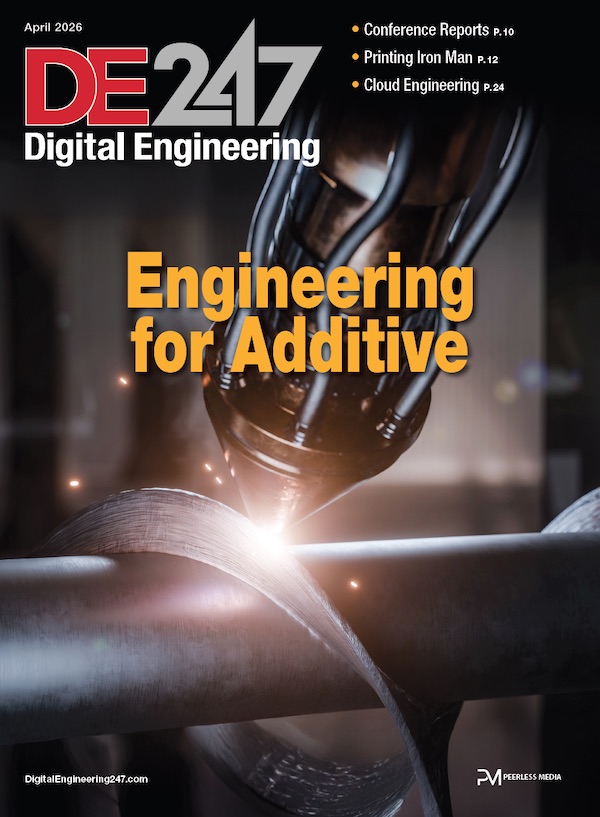
Digital Engineering April 2026
In the latest issue of Digital Engineering, we take a look at the latest innovations in design for additive manufacturing, including the use of natural language inputs, social media cosplayers, and AI integration. The issue also includes a feature…

January Special Focus Issue: Design for Additive
In this Special Focus Issue of Digital Engineering, learn about the latest advancements in design for additive manufacturing, including new software tools, additive in automotive, custom medical devices, and more.
Hollowing lets users hollow out any uploaded 3D model. Sculpteo has a feature that automatically chooses the best settings and updates changes throughout the design process. Sculpteo cites two advantages of this feature — cheaper prints, since less material is used, and creation of lighter prints. To use this feature, clients can simply activate it in the Optimize section of the "Print Page."
The second feature, Cutaway View, has been updated for easier access. When activating this feature, customers can confirm internal workings are good and check for spacing between moving parts.
For more information, visit Sculpteo.
Sources: Press materials received from the company and additional information gleaned from the company’s website.


DE's editors contribute news and new product announcements to Digital Engineering. Press releases may be sent to them via [email protected].
Follow DE






About Us · Contact Us · Editorial Team · Advertising · Privacy Policy · Subscriber Services · © 2026 Digital Engineering 24/7 · Peerless Media