Helping design and engineering professionals discover, evaluate and specify technologies and processes that shorten the design cycle and enable success.


Alert!
Digital Engineering ceased publication on July 1, 2026. This website remains available as an archive of engineering content.
For inquiries or information, please email [email protected].
Sponsored
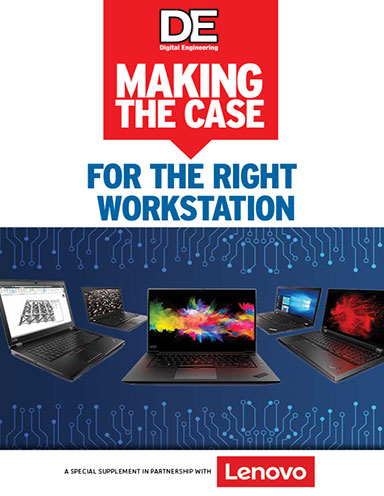
It’s no longer enough to have a powerful desktop system stocked with the latest processors, storage, graphics capabilities and memory. Mobility is now a key requirement for workstation users.
Today’s architects, engineers, film designers, video game developers, data analysts and programmers want more than a secondary machine that allows them to do some basic modeling or animation work. Increasingly, they are looking to fully untether from their desktop, empowered to use their everyday 3D modeling, simulation, animation and analysis tools on the go, whether that’s conducting design reviews at a client site, checking work-in-progress in the field, or iterating concept models during their commute.
As projects increase in size and complexity, mobile workstations must be able to scale to meet the computational and graphical demands of modern-day workflows.
Professional users want lightweight, portable devices that will deliver performance that’s comparable to their desk- 2 MAKING THE CASE for the Right Workstation top systems, including the ability to optimize power and resources for all of their workloads. At the same time, applications from leading independent software vendors in areas like advanced visualization, extended reality (XR), medical imaging, simulation and computer-aided design (CAD) must be certified to run at optimal performance on the mobile platform in order to ensure the highest levels of flexibility and productivity for a modern, professional workforce. Plus, as artificial intelligence is rapidly integrated into new and existing software vendors’ applications to further accelerate productivity, hardware performance demands increase.
Given the expectation that innovation can now happen anywhere, professional users across industry segments are demanding mobile workstations meet performance, reliability, flexibility and security criteria.
Download Making the Case for the Right Workstation to learn more.

We are proud to be the world's largest PC vendor. Our portfolio also includes workstations, servers, storage solutions, IT management software, smart TVs, tablets, smartphones, and even apps.As the world becomes faster, more demanding, and…
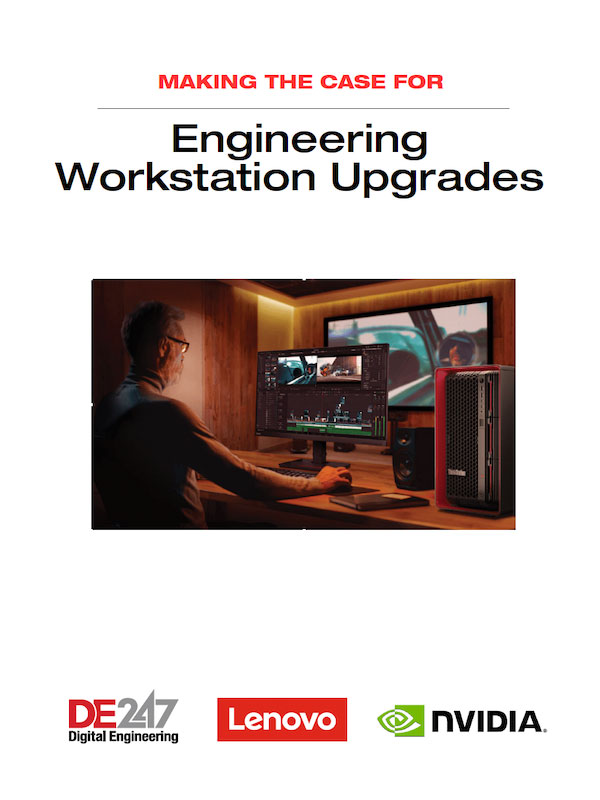
Making the Case for Engineering Workstation Upgrades
In this Making the Case whitepaper, Lenovo outlines how upgrading to the latest generation of professional workstations can provide a return on investment through increased engineering efficiency and greater flexibility.




About Us · Contact Us · Editorial Team · Advertising · Privacy Policy · Subscriber Services · © 2026 Digital Engineering 24/7 · Peerless Media