Helping design and engineering professionals discover, evaluate and specify technologies and processes that shorten the design cycle and enable success.




Sponsored

The following articles from the Advanced Product Development Resource Center (APDRC) newsletter provide an overview of new features, as well as tips and recommendations for configuring your engineering workstation to optimize various editions of SOLIDWORKS.
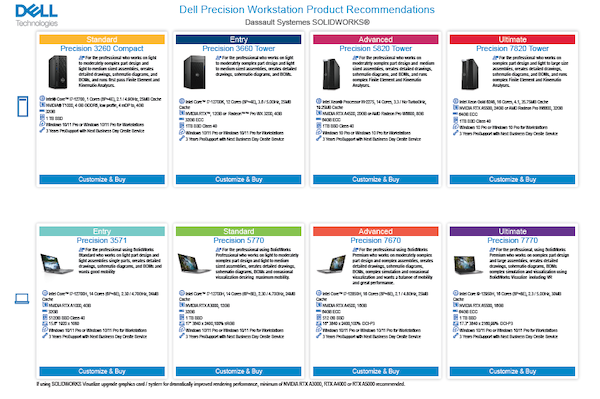
A quick guide to selecting the right Dell Precision model for your workflows.
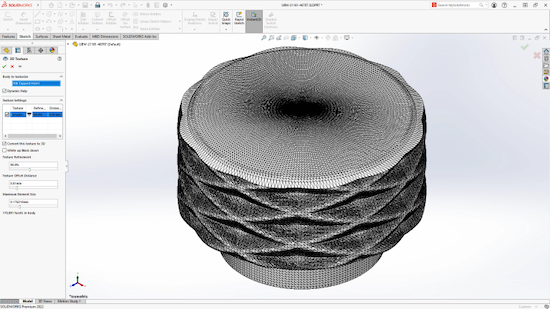
Experts weigh in on the best hardware and SOLIDWORKS settings.
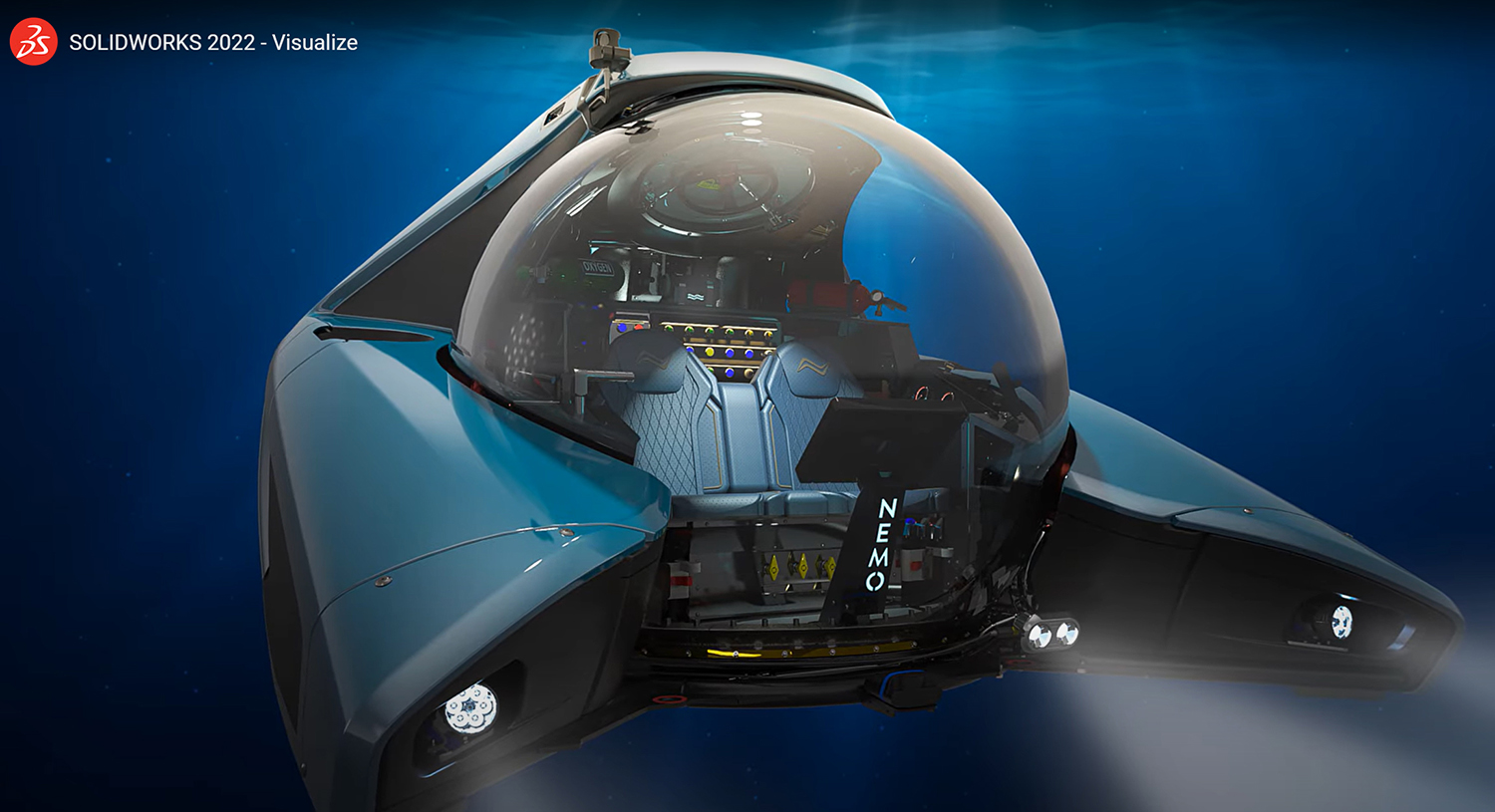
New corporate leadership and enhanced graphics capabilities highlighted the event.
Download this eGuide for choosing the right workstation for ray traced rendering of 3D models.

3DEXPERIENCE World sessions focused on big performance boosts.

Virtual conference highlights line collaboration, new SOLIDWORKS offerings.

New version brings the desktop software closer to parent company’s 3DEXPERIENCE offerings
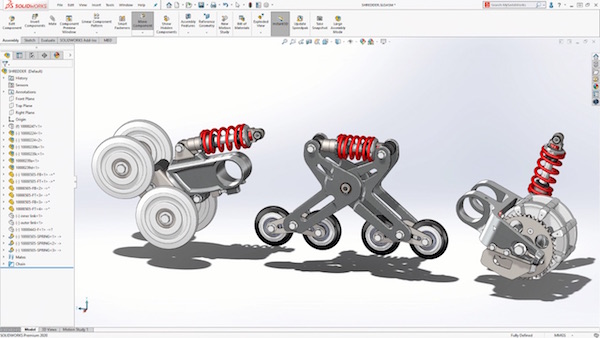
Experts weigh in on the best hardware and SOLIDWORKS settings.
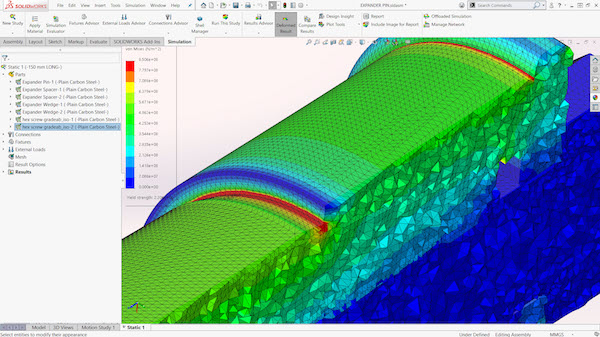
Enhanced graphics performance streamlines workflows for complex assemblies.
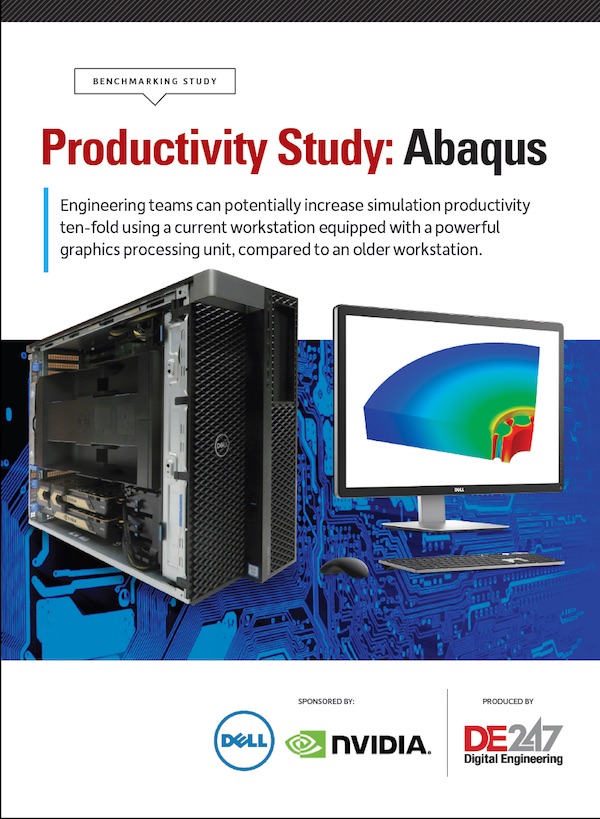
Engineering teams can potentially increase simulation productivity ten-fold using a current workstation equipped with a powerful graphics processing unit, compared to an older workstation.

Learn how key workstation components can impact engineering productivity, and what factors to consider when configuring a new engineering workstation.


Since its founding in 1993, NVIDIA (NASDAQ: NVDA) has been a pioneer in accelerated computing. The company’s invention of the GPU in 1999 sparked the growth of the PC gaming market, redefined computer graphics, ignited the era of modern AI and…

Cut Retrieval-Augmented Generation (RAG) Hallucinations by 50%
Most teams hit the same wall with enterprise AI: LLMs that hallucinate, pipelines that don’t scale, and infrastructure that’s harder to design than the models themselves.

Brian Albright is the editorial director of Digital Engineering.
Contact him at [email protected].

Join over 90,000 engineering professionals who get fresh engineering news as soon as it is published.






About Us · Contact Us · Editorial Team · Advertising · Privacy Policy · Subscriber Services · © 2026 Digital Engineering 24/7 · Peerless Media